Introduction
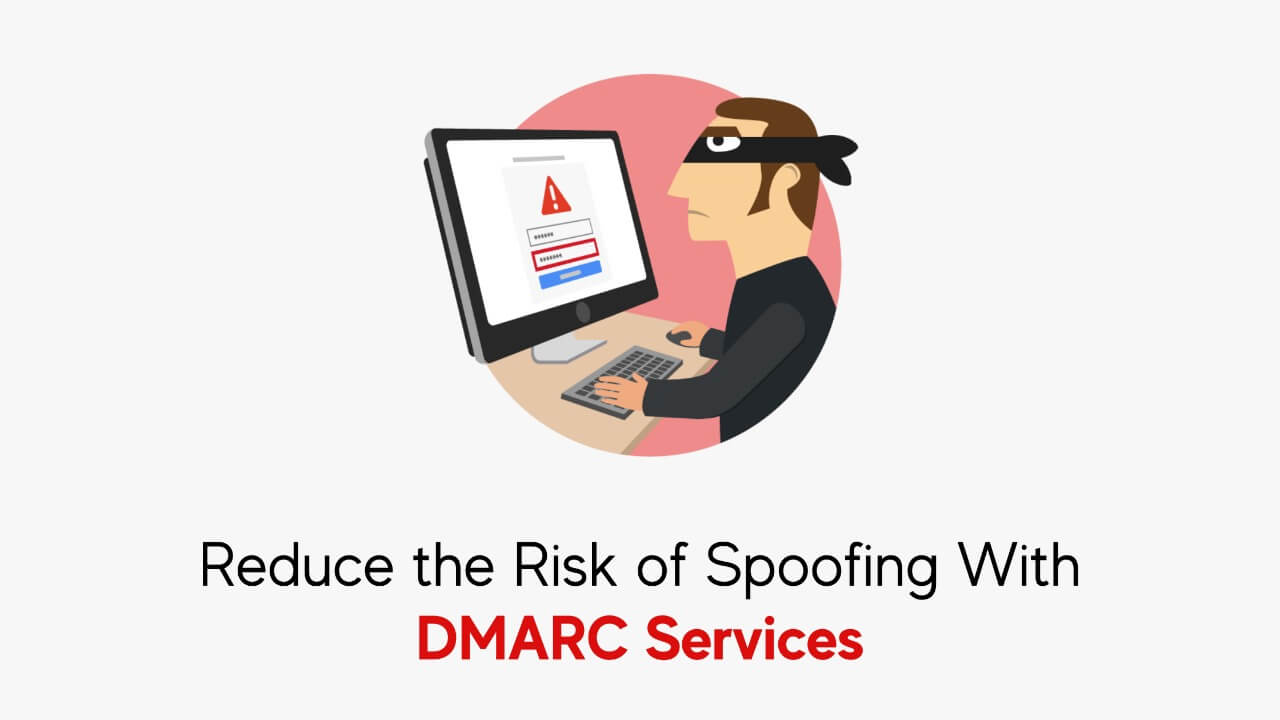
Email spoofing is a significant cybersecurity threat that allows attackers to impersonate trusted organizations and send fraudulent emails to unsuspecting recipients. These spoofed emails can be used for phishing scams, financial fraud, and malware distribution. Without proper email authentication protocols, businesses risk losing their credibility, financial assets, and sensitive data.
One of the most effective ways to mitigate spoofing attacks is by implementing DMARC Services. DMARC (Domain-based Message Authentication, Reporting, and Conformance) is an email authentication protocol that works alongside SPF (Sender Policy Framework) and DKIM (Domain Keys Identified Mail) to prevent unauthorized use of your domain in email communications.
This blog will explore how DMARC Services reduce the risk of spoofing, improve email security, and enhance brand trust.
Understanding Email Spoofing and Its Dangers
Email spoofing occurs when cybercriminals forge the “From” address in an email to make it appear as though it was sent by a legitimate organization. This technique is commonly used in:
- Phishing Attacks: Fraudulent emails that trick recipients into providing personal information or login credentials.
- Business Email Compromise (BEC): Impersonating executives to manipulate employees into transferring funds or revealing sensitive information.
- Malware Distribution: Spoofed emails containing malicious attachments or links that infect devices with malware.
- Brand Abuse: Spammers using an organization’s domain to send unsolicited emails, damaging the brand’s reputation.
How DMARC Services Help Prevent Spoofing
DMARC helps organizations protect their email domains from spoofing by verifying whether emails are genuinely sent from authorized sources. It provides domain owners with visibility and control over their email authentication policies.
1. Authentication with SPF and DKIM
DMARC relies on two authentication methods:
- SPF (Sender Policy Framework): SPF ensures that only authorized mail servers can send emails on behalf of a domain.
- DKIM (DomainKeys Identified Mail): DKIM uses cryptographic signatures to verify that emails have not been tampered with during transit.
When a recipient’s email server receives an email, it checks the SPF and DKIM records of the sending domain. If the email fails these checks, DMARC determines what action should be taken based on the domain owner’s policy.
2. Enforcing Email Security Policies
DMARC policies allow domain owners to specify how email servers should handle unauthenticated emails:
- p=none: Only monitors emails and provides reports without blocking unauthorized messages.
- p=quarantine: Sends unauthorized emails to the recipient’s spam folder.
- p=reject: Blocks spoofed emails entirely, preventing them from reaching inboxes.
By implementing a strict DMARC Services policy (p=reject), organizations can significantly reduce the risk of spoofing and phishing attacks.
3. Providing Visibility Through Reports
DMARC generates two types of reports to help domain owners analyze their email authentication status:
- Aggregate Reports: Provide an overview of email authentication results, showing which sources are passing or failing DMARC checks.
- Forensic Reports: Offer detailed information about individual failed authentication attempts, including email headers and sending IP addresses.
These reports enable organizations to detect unauthorized senders and adjust their DMARC policies accordingly.
Steps to Implement DMARC Services
Step 1: Set Up SPF and DKIM
Before implementing DMARC, configure SPF and DKIM records in your domain’s DNS settings:
- SPF Record Example:
v=spf1 include:_spf.google.com -all - DKIM Record Example:
v=DKIM1; k=rsa; p=MIIBIjANBgkqhki...
Step 2: Create a DMARC Record
A DMARC record is a TXT entry in your domain’s DNS settings. Below is an example DMARC record:
v=DMARC1; p=quarantine; rua=mailto:[email protected];Step 3: Monitor DMARC Reports
Start with a p=none policy to gather reports and analyze email traffic. Once you have sufficient data, gradually move to p=quarantine and finally p=reject to enforce strict email authentication.
Step 4: Optimize Your DMARC Configuration
Regularly review DMARC reports to identify and authorize legitimate email sources while blocking unauthorized ones.
The Benefits of DMARC Services
1. Prevention of Phishing and Spoofing
By implementing DMARC Services, businesses can significantly reduce phishing emails that impersonate their brand, protecting employees and customers from cyber threats.
2. Improved Email Deliverability
Proper DMARC implementation ensures that legitimate emails reach recipients’ inboxes instead of being marked as spam, improving email marketing and business communication effectiveness.
3. Enhanced Brand Trust and Reputation
Consumers and partners are more likely to trust emails from a domain protected by DMARC, knowing that it is safeguarded against spoofing attacks.
4. Regulatory Compliance
Many industries and organizations are required to implement DMARC as part of cybersecurity compliance regulations. Adopting DMARC Services helps meet these requirements.
5. Data-Driven Security Enhancements
DMARC reports provide valuable insights into how email domains are being used and misused. Organizations can leverage this data to improve their security posture.
Common Challenges in DMARC Implementation and How to Overcome Them
1. Complex Email Infrastructures
Organizations using multiple third-party email services may struggle with DMARC setup. Solution: Carefully review and update SPF, DKIM, and DMARC records for all authorized senders.
2. Exceeding SPF DNS Lookup Limits
SPF has a 10-lookup limit. Solution: Use SPF flattening tools or services to optimize SPF records.
3. Lack of Monitoring and Adjustments
DMARC requires continuous monitoring. Solution: Use automated DMARC reporting tools to regularly review email authentication reports and make necessary adjustments.
Additional Steps to Strengthen DMARC Implementation
- Implement BIMI (Brand Indicators for Message Identification): Helps display a verified brand logo alongside authenticated emails.
- Integrate DMARC with SIEM Solutions: Enhances real-time threat monitoring and incident response.
- Educate Employees on Email Security: Train staff to recognize and report suspicious emails, even if they pass authentication checks.
- Leverage AI-Powered Email Security Solutions: Advanced threat detection tools can further minimize spoofing risks.
Conclusion
Email spoofing remains one of the most persistent cybersecurity threats, but with the right email authentication measures, organizations can significantly reduce their risk. DMARC Services offer a powerful defense against phishing, spoofing, and brand abuse by enforcing strict email authentication policies and providing visibility into unauthorized email activity.
By setting up SPF, DKIM, and DMARC correctly, monitoring reports, and optimizing authentication configurations, businesses can protect their domain, enhance email deliverability, and build trust with their recipients. Implementing DMARC Services is no longer an option—it’s a necessity for organizations that prioritize cybersecurity and brand integrity